1. Click the "Scoring" menu option, then click "Enter New Scores."
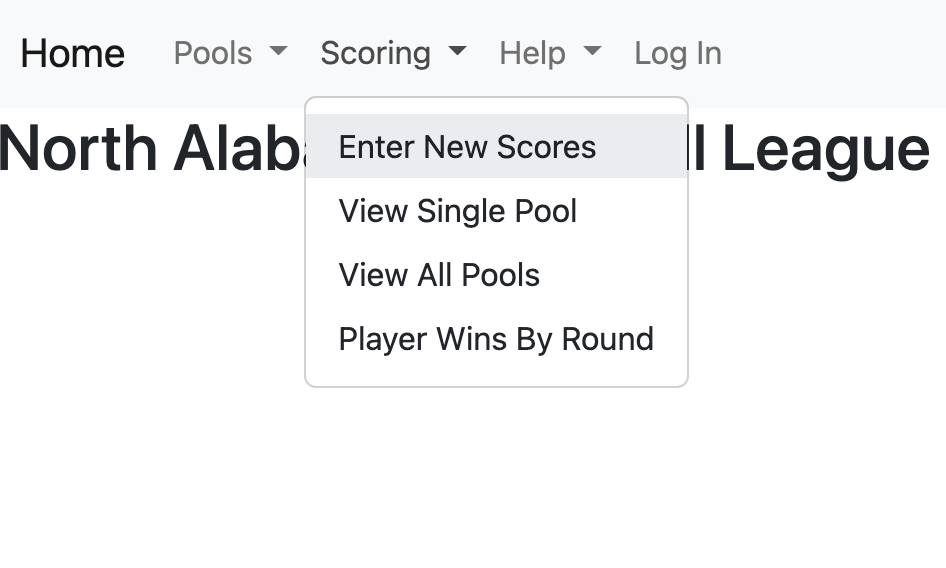
1. Click the "Scoring" menu option, then click "Enter New Scores."
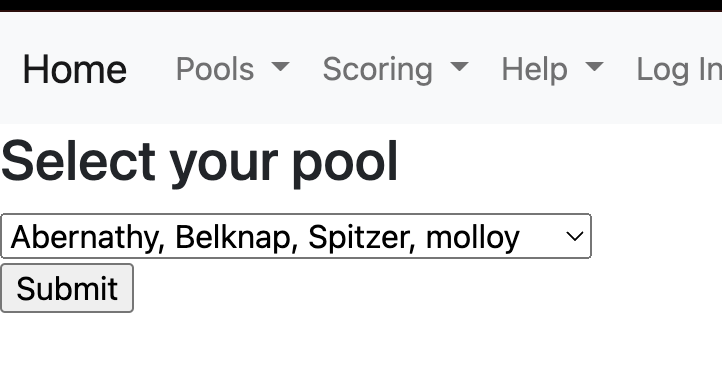
2. Select your pool from the drop down menu and click 'Submit.'
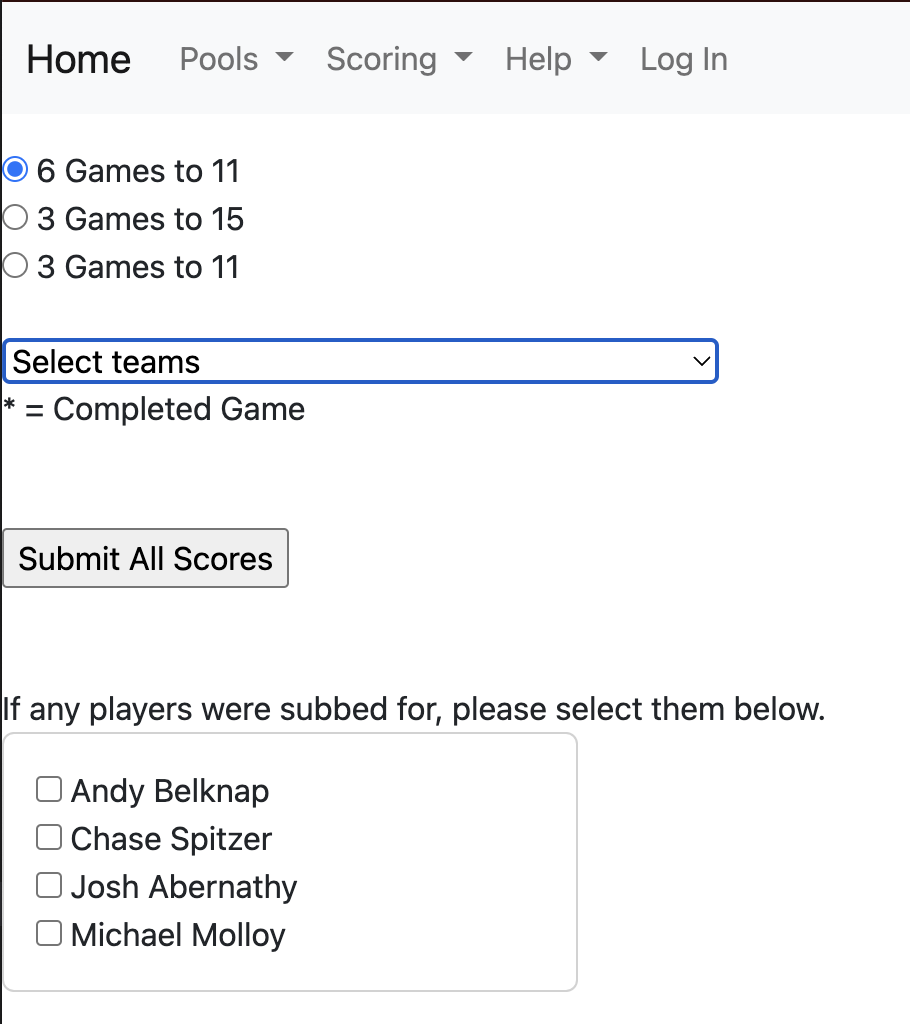
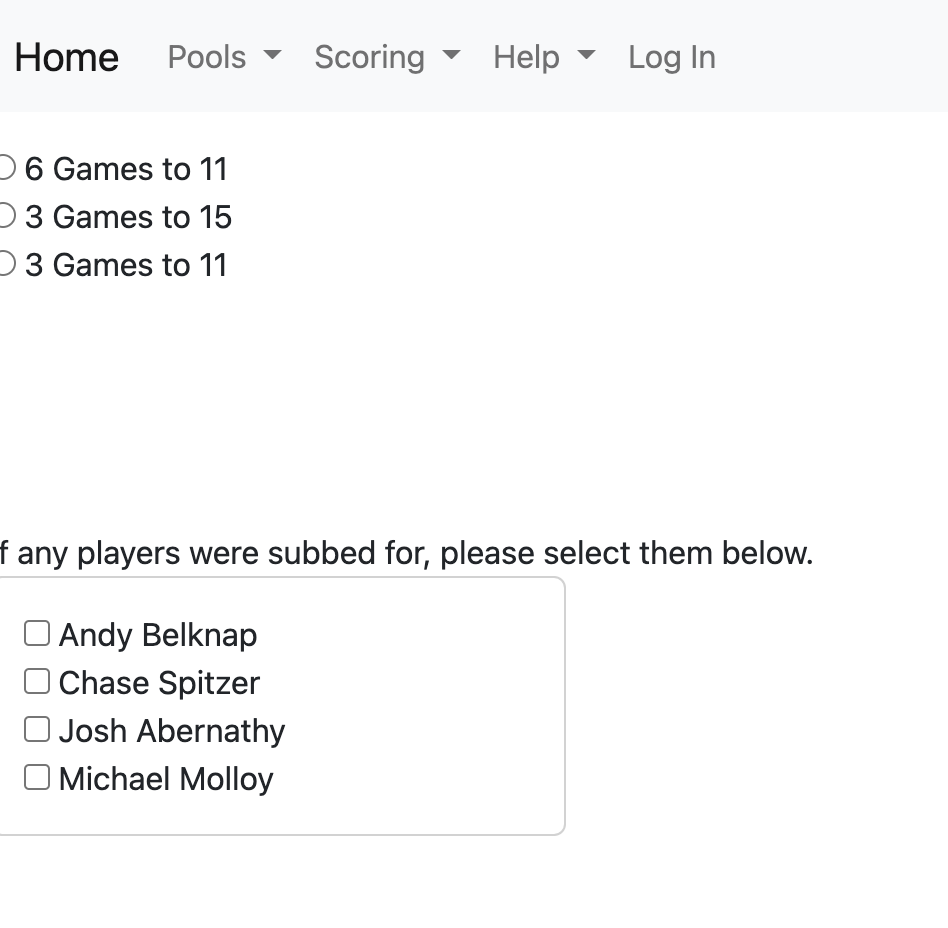
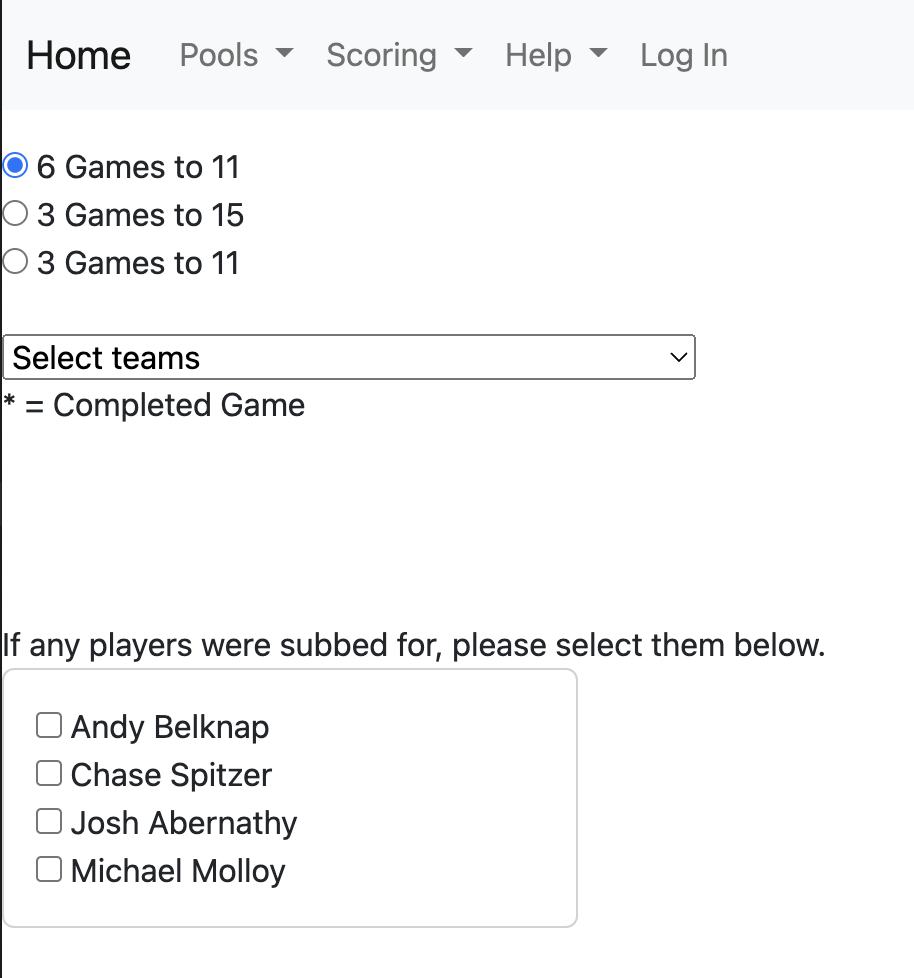
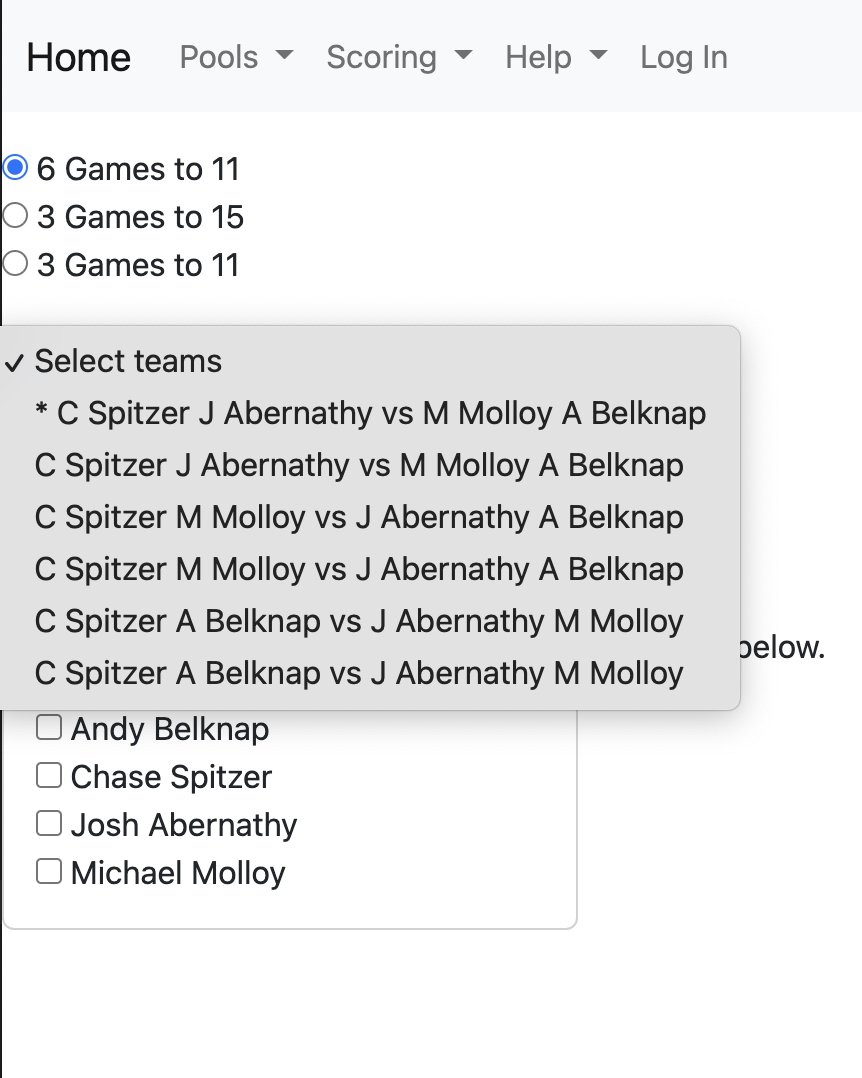
3. Select from the list the type of games that your pool will play. 6 games to 11 is
the preferred format, but one of the other formats may be chosen due to time or weather constraints.
NOTE: If your pool chooses one of the 3 game options, each game will be duplicated in the system, in effect
turning a 3 game pool into a 6 game pool. That allows for equal comparisons across all pools, regardless of
who played 6 games and who played 3.
Only the 3 games played will be entered into DUPR, however.
If any of the players in your pool couldn't play and are being substituted for, select the checkbox(es)
at the bottom of the page beside their name(s).
4.After selecting the pool format, a new drop down list populates with the team combinations for the pool.
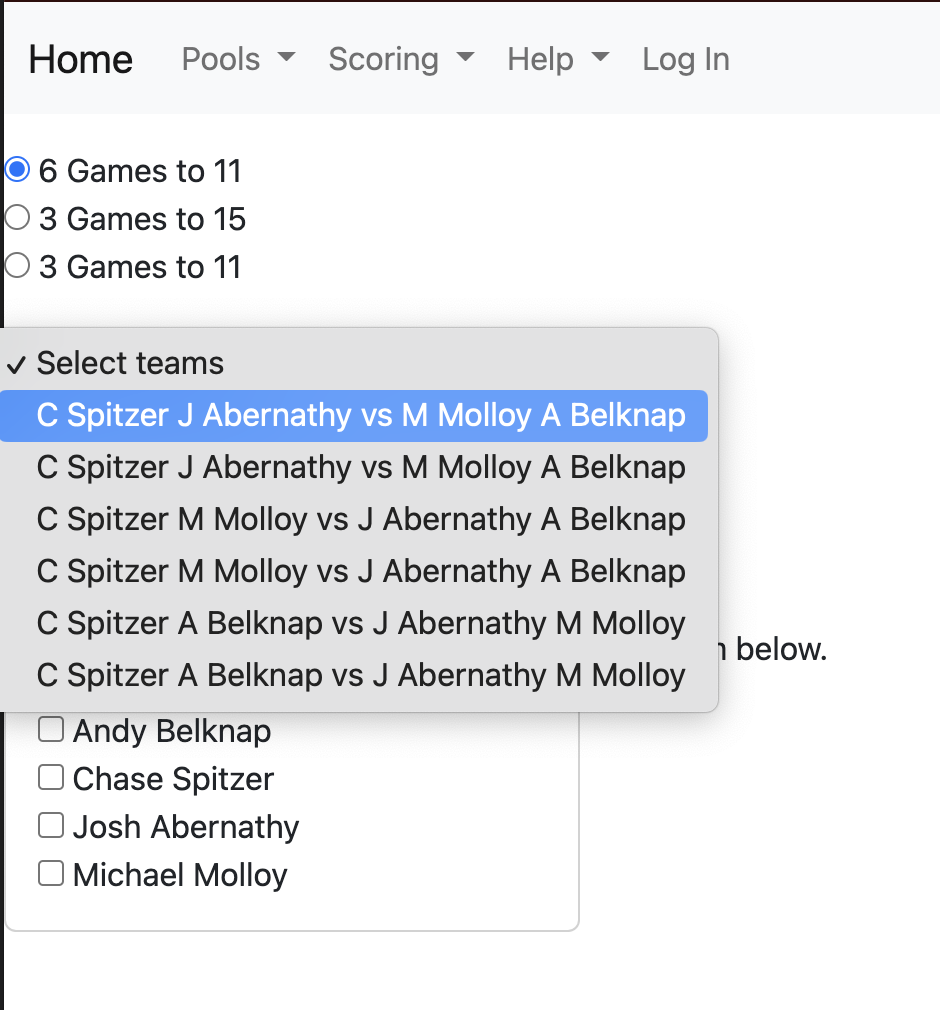
5. Select an entry from the list. The order that you choose to play does not matter.
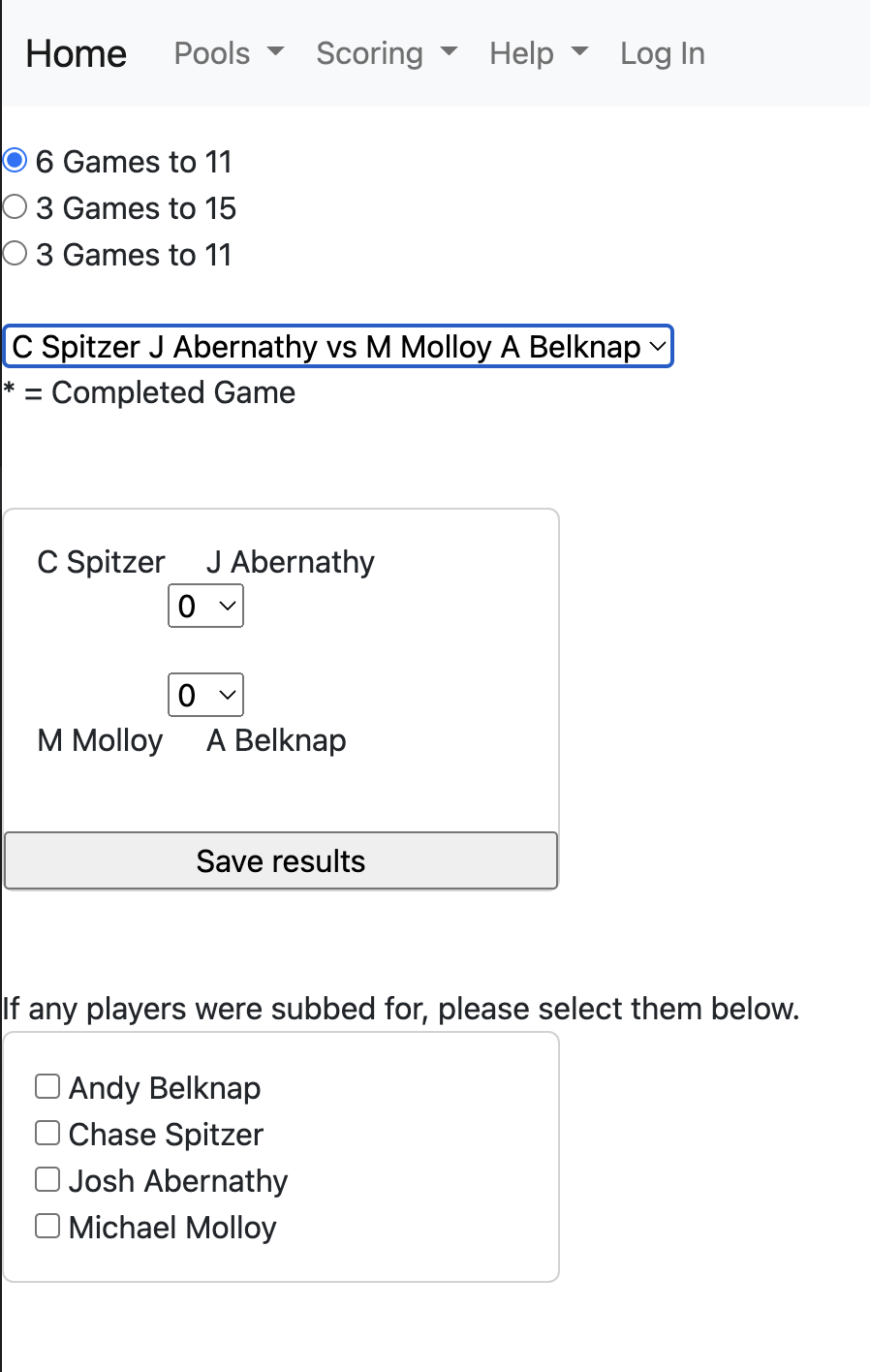
6. After making a selection, a form populates with the selected teams.
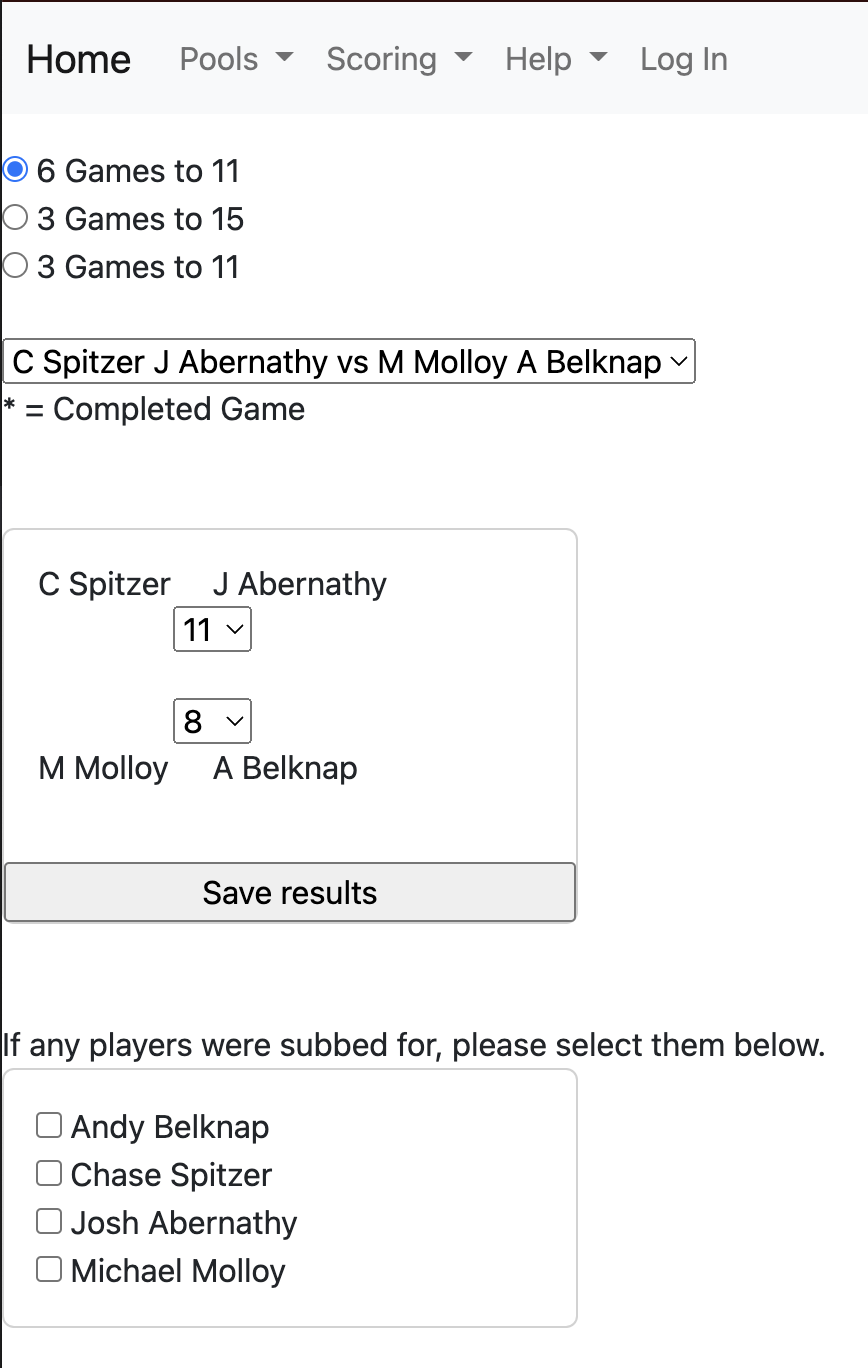
7. Enter the scores on the form, and click the 'Save Results' button.
8. The "Select teams" drop down now has an asterisk (*) beside the completed game. Continue choosing teams, playing, and entering scores until all games have been played.
9. When the last game score has been entered, a "Submit All Scores" button appears.
NOTE: You must click the "Submit All Scores" button to record all scores
in the system.